 Yearsail
Every photo of your life.
Finally in one place.
Yearsail gathers the photos scattered across your computer and old drives into the story of your life, year by year. And keeps the stories behind them, too.
Coming soon to Mac and Windows. Your photos never leave your computer.
Decades of photos. Beautifully in order.
Laptops, backup drives, old memory cards. Every family has photos tucked away somewhere. Just show Yearsail where they are, and it brings everything together without moving or changing a single original.
Your life, year by year.
Every photo finds its place by when it was taken, not the day it was copied. Yearsail finds the best date it can and shows you where it came from. Duplicates quietly step aside, and icons and clip art stay out of the way.
Your Years
2,418 photos · 1974–2021
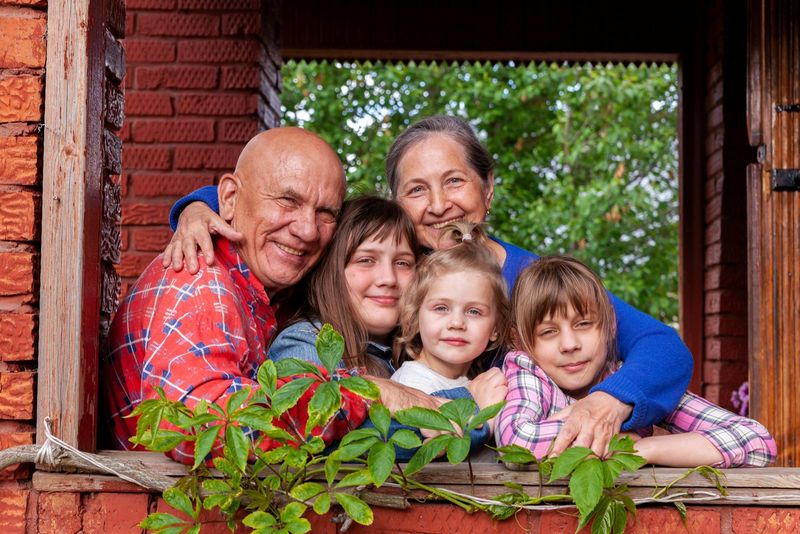 2021212 photos
 2014348 photos
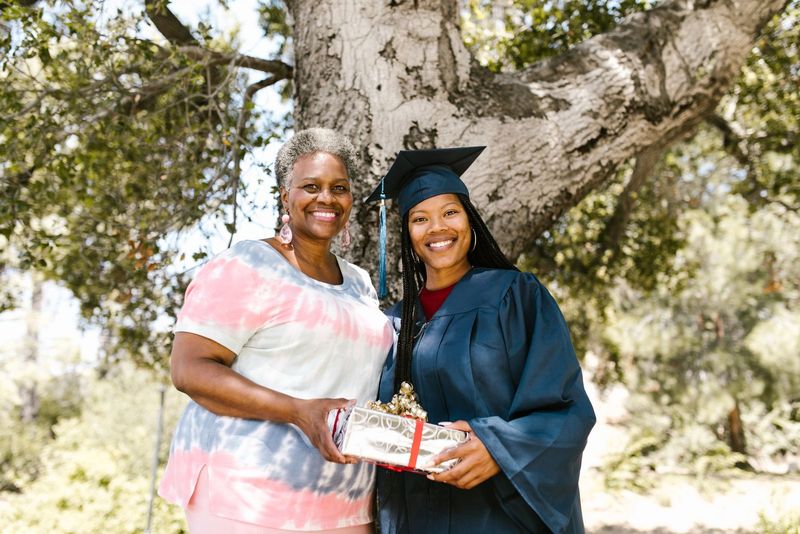 2008127 photos
 200396 photos
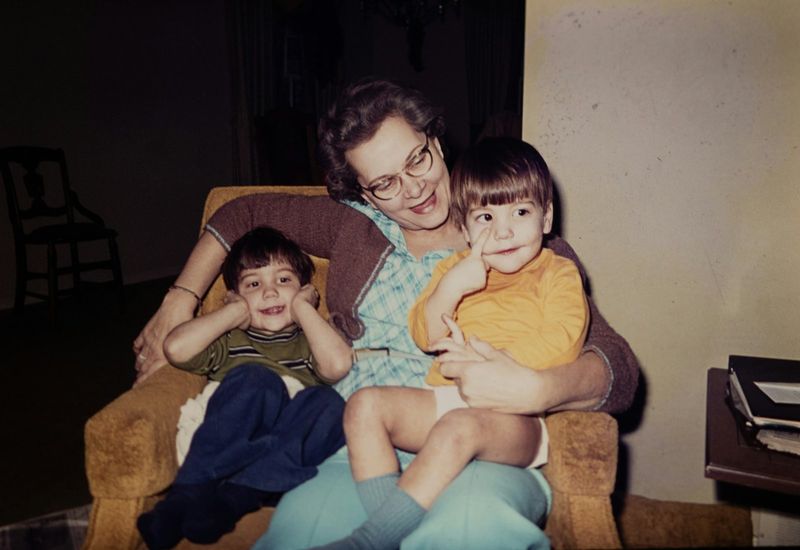 198158 photos
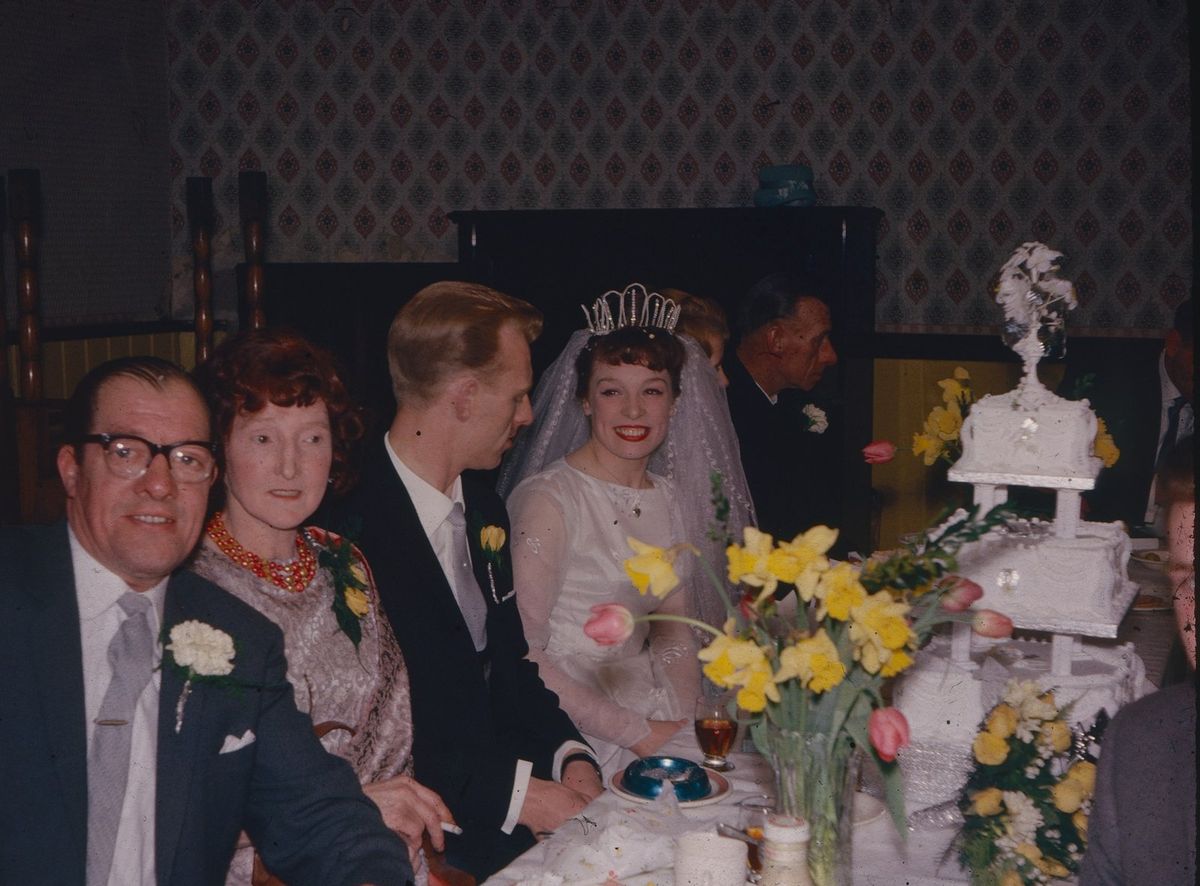 197431 photos
Moments, gathered for you.
A road trip. A birthday. A holiday dinner. Yearsail gathers the photos taken together into moments. Give one a name, and “Emily’s graduation” is always just a click away.
Moments
146 moments, found from when your photos were taken
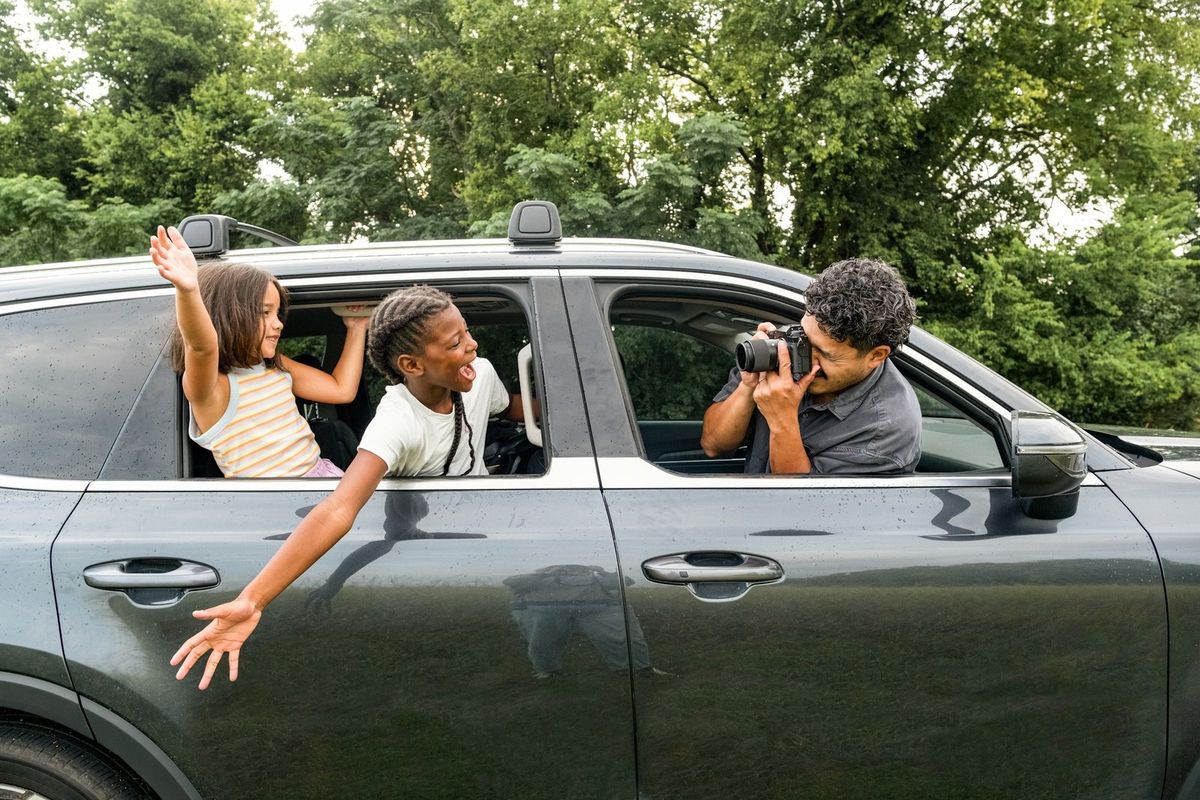 Summer road tripJuly 2016 · 86 photos
 Christmas at Emily’sDec 2019 · 42 photosEmily’s graduationJune 2008 · 31 photosNoah’s 6th birthdayMay 2003 · 24 photos
Everyone you love, across the decades.
Turn on People, and Yearsail recognizes familiar faces right on your computer. Name someone once, and watch their whole life unfold, from a 1974 wedding to a walk with a grandchild last spring.

Linda
1,204 photos · 1974–2023
Linda
 Robert
 Emily
 Grace
 Noah
Linda through the years
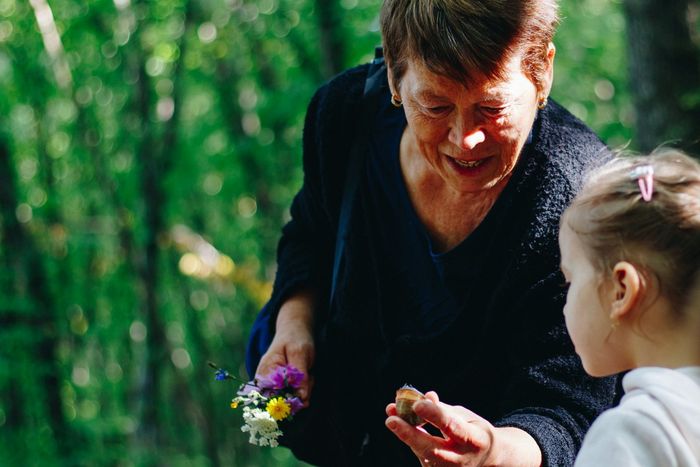
Remember together. As easy as a conversation.
Some old photos have no date and no names. Yearsail picks a few and simply asks, the way a grandchild might. Answer in your own words, and it remembers who was there and when. Tell it about someone once, and it remembers them.
Remember Together
A few photos Yearsail could not place.
LindaRobertAunt Mayaround 1981
The story behind every picture.
Some things a photo can’t say. Tell Yearsail out loud or type it in, and your story is kept with every photo from that moment and everyone in it. Want it to read beautifully? Turn on “Write it beautifully”, and Yearsail can polish it for you online, while your own words stay exactly as you told them.
The day we got married
June 1974 · Told by Linda · 18 photos
18 photosTold out loud
“We were married in my parents’ church hall. Your grandfather wore a borrowed tie, and Aunt May stayed up all night baking that cake.”
LindaRobertAunt May
Thoughtful touches, everywhere.
When you finally sit down with a lifetime of pictures, these little things make all the difference.
New computer. Nothing left behind.
Bring photos over from old drives, and from your phone on a Mac, neatly filed by year and moment. Every copy is checked against the original.
A family album to share.
Create an album that opens in any web browser, with names beneath the photos and a page for everyone in it.
Find it in a moment.
Search for a name, a year, a moment or a line from a story, and there it is.
Let go of what you don’t need.
Remove blurry or unwanted shots in a click. They wait in Removed in case you change your mind, and an original goes to the Trash only if you say so.
Speaks your language.
Yearsail works in English and Simplified Chinese, and understands answers that mix the two.
Find what’s in the picture.
Type “beach” or “birthday cake”, and the right photos appear. Set up with a one-time download, it searches right on your computer.
Not another photo cloud.
Cloud services are made for the photos on your phone. Yearsail is made for a lifetime of photos, right on the computers and drives you already own.
| Yearsail | Google Photos | |
|---|---|---|
| Where your photos live | On your own computer and drives | On Google’s servers |
| Old drives and backups | Read in place, nothing to upload | Must be uploaded to Google first |
| Storage fees | None. It uses the space you already have | Free up to 15 GB (shared with Gmail and Drive), then a paid Google One plan |
| The stories behind photos | Told out loud or typed, and kept with the photos and the people in them | A text description |
| Face recognition | Runs on your computer, only when you turn it on | Done by Google on your uploaded photos (optional, not in all regions) |
Google Photos is a trademark of Google LLC. Comparison based on Google Photos’ standard features as of September 2026.
Your memories stay yours.
Family photos are as personal as it gets. That’s why Yearsail organizes, recognizes faces and searches right on your own computer.
Be the first to know.
Yearsail is coming soon to Mac and Windows. Leave your email, and we’ll send you a single note the day it’s ready.
No spam, ever. We’ll only write to you about Yearsail. See our privacy policy.
For macOS 11 or later on Apple silicon and Intel, and for Windows 10 and Windows 11.